
Which Squarespace Template Is Right for Your Business?
Which Squarespace Template Is Right for Your Business?
Choosing the right Squarespace template sets the foundation for how customers perceive your brand and how well your site converts visitors into clients. Squarespace 7.1 uses a single flexible framework, but design starting points (templates) and feature choices still influence layout, navigation, and visual emphasis. Below is a practical guide to help you pick the best template direction for common small business types, what to prioritize, and customization tips to make the template work for your needs.
How to choose: key priorities by business goal
Brand showcase (photography, design, product aesthetics): prioritize large image areas, clean grids, strong typography, and minimal navigation. Look for templates with full-bleed banners, masonry or gallery sections, and built-in lightboxes.
Lead generation and service booking: choose templates with prominent calls-to-action (CTAs), clear services pages, and easy-to-find contact or booking blocks. Templates with persistent header CTAs and visible contact forms work best.
Ecommerce (small catalogs, handmade goods, limited SKUs): favor product-focused layouts, flexible product pages, quick-access checkout buttons, and prominent product galleries. Look for templates that present product details clearly and support product variants, inventory, and simple filters.
Content-driven businesses (blogs, podcasts, newsletters): pick templates that support readable article layouts, category navigation, and strong subscription prompts. Search, tag, and archive layouts help organization.
Events and hospitality (restaurants, venues, studios): templates with easy menus, booking widgets, calendar embeds, and event pages. Prioritize templates with reservation blocks, menu-style sections, and clear location/contact blocks.
Portfolio and freelancing: choose templates with project pages, case-study layouts, client testimonials, and bold imagery. A template that lets you highlight a small number of signature projects is ideal.
Template features to prioritize (regardless of business type)
Visual hierarchy: large hero area, clear H1, and section spacing to guide attention.
Navigation simplicity: fewer top-level items, optional sticky header, and clear footer with contact details.
Mobile responsiveness: templates built in 7.1 adapt automatically, but choose ones with tested mobile menu styles and readable type scales.
Built-in SEO structure: templates that encourage clear page titles, alt text for images, and structured headings.
Speed and performance: avoid densely packed animations and heavy scripts. Choose clean templates to improve load times.
Conversion tools: prominent CTAs, newsletter signup blocks, contact forms, and appointment booking integration.
Template directions by business type (recommended starting points)
Creative studios, photographers, designers
Look for: full-bleed hero images, gallery and slideshow sections, minimal text overlays, masonry grids.
Why: visuals are primary; visitors need to see work quickly and beautifully.
Customization tip: reduce navigation to 3–5 items; use a lightbox for high-res images; create project pages that tell the story behind each piece.
Restaurants, cafes, bars
Look for: menu sections, hours & location in footer or header, reservation/ordering CTA, gallery for interiors/dishes.
Why: customers need menu details and booking/ordering options immediately.
Customization tip: keep menus easy to scan with categories and prices; highlight daily specials in a banner.
Boutiques & small product shops
Look for: clean product grids, product quick-view, clear add-to-cart buttons, product filtering for categories.
Why: shoppers expect simple browsing and a clear path to purchase.
Customization tip: use lifestyle hero shots for brand feel and close-ups in the product gallery; feature best-sellers on the homepage.
Service professionals (consultants, salons, contractors)
Look for: service pages, pricing or package blocks, testimonial sections, contact/booking forms.
Why: trust and clarity drive conversion—clients must understand services and next steps quickly.
Customization tip: add a “How it works” section and a prominent CTA for scheduling a consult.
Coaches, educators, course creators
Look for: clear course or program pages, module outlines, instructor bios, lead-magnet signup.
Why: prospective students need to evaluate credibility and course structure.
Customization tip: add a free resource or mini-course signup to capture leads.
Bloggers, podcasters, writers
Look for: readable blog layouts, category navigation, episode or post templates, subscription CTA.
Why: content discovery and subscriptions are primary goals.
Customization tip: set a featured posts section on homepage and use tags to create topic landing pages.
Events, venues, and studios
Look for: event listing templates, calendar integration, booking/reservation blocks, large venue galleries.
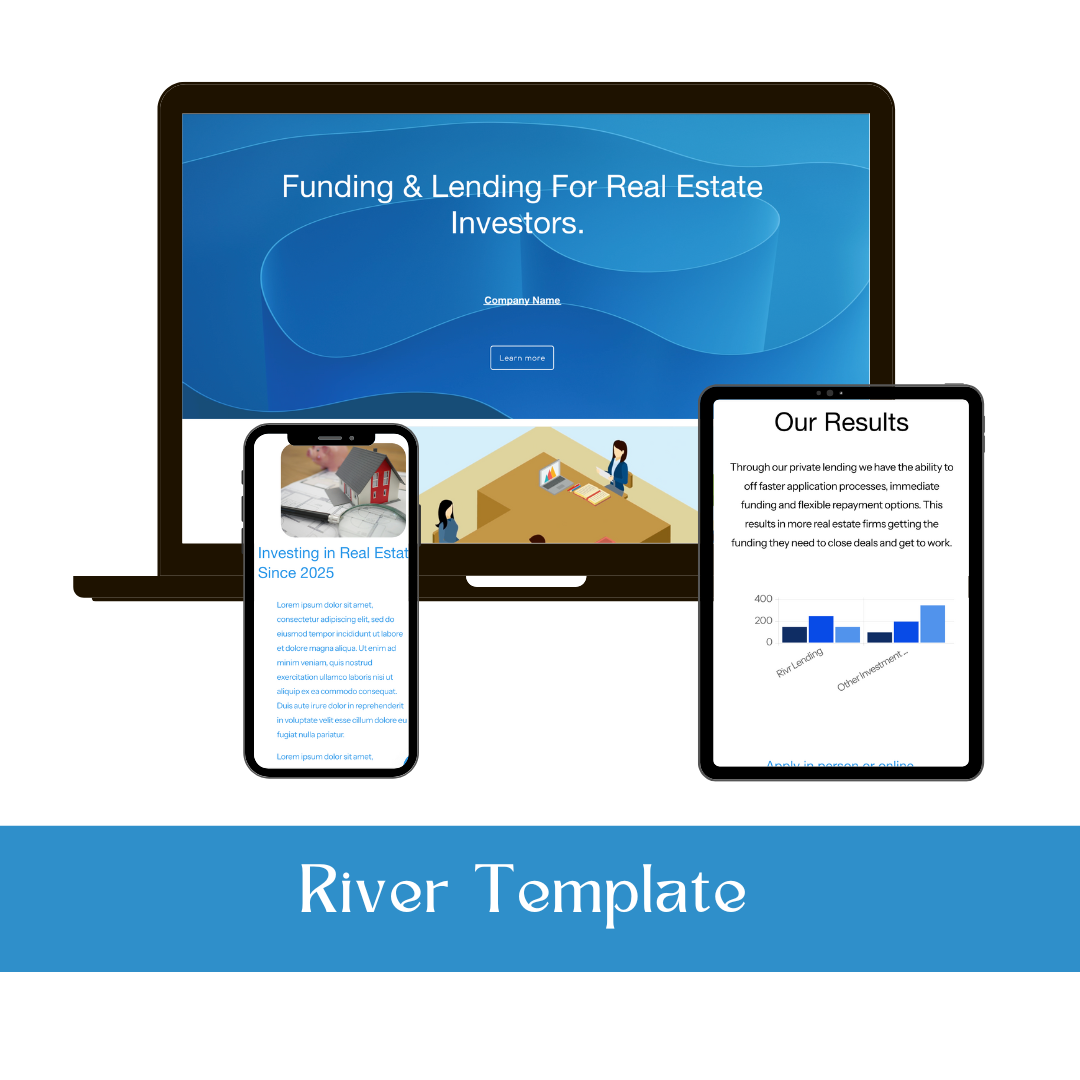


Perfect starting template for small architect, interior design and consulting firms!
Live Demo
Click to View Live Demo
This template is installed for you within 48 hours after purchase via site permission – no dev mode or DIY videos. Add in content and style the site like you normally would.
Template Info
Squarespace 7.1
Template Installation
3+ pages
Warm and catching color palette
Optional scheduling button on Contact page, Index style portfolio page
Template Guide
Friendly and experienced support
How it Works:
Add the template to your cart and complete checkout.
After you purchase your template you will receive an invite link where we add you as a contributor to a 14-day Squarespace trial site, ownership will then be transferred to you.
You’ll add your own copy to customize your template.
Choose a website plan and launch your site.
Need help building your template? Get our template build service here.
Get our site maintenance membership - our team will then manage and update the website for you – unlimited updates included.